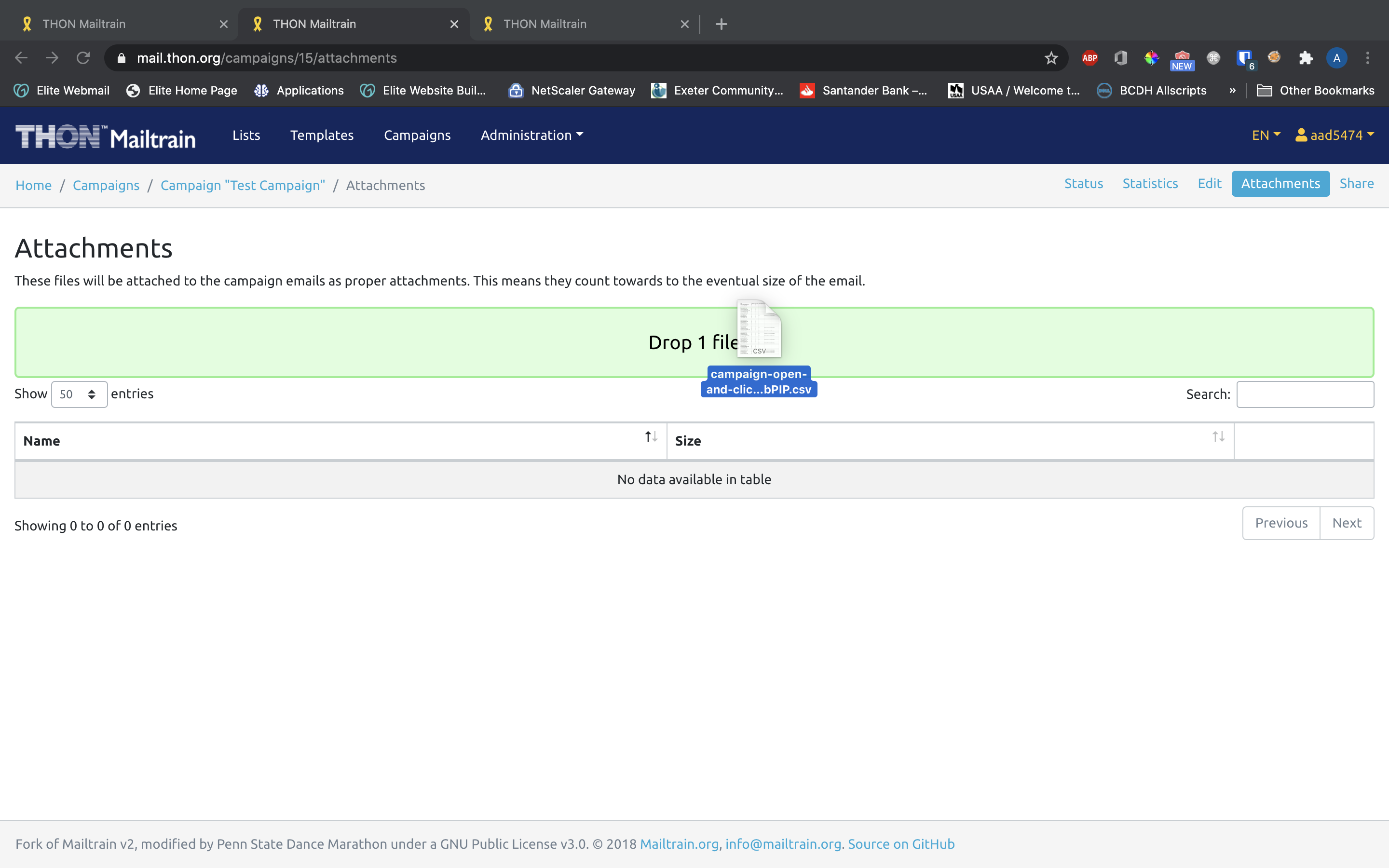
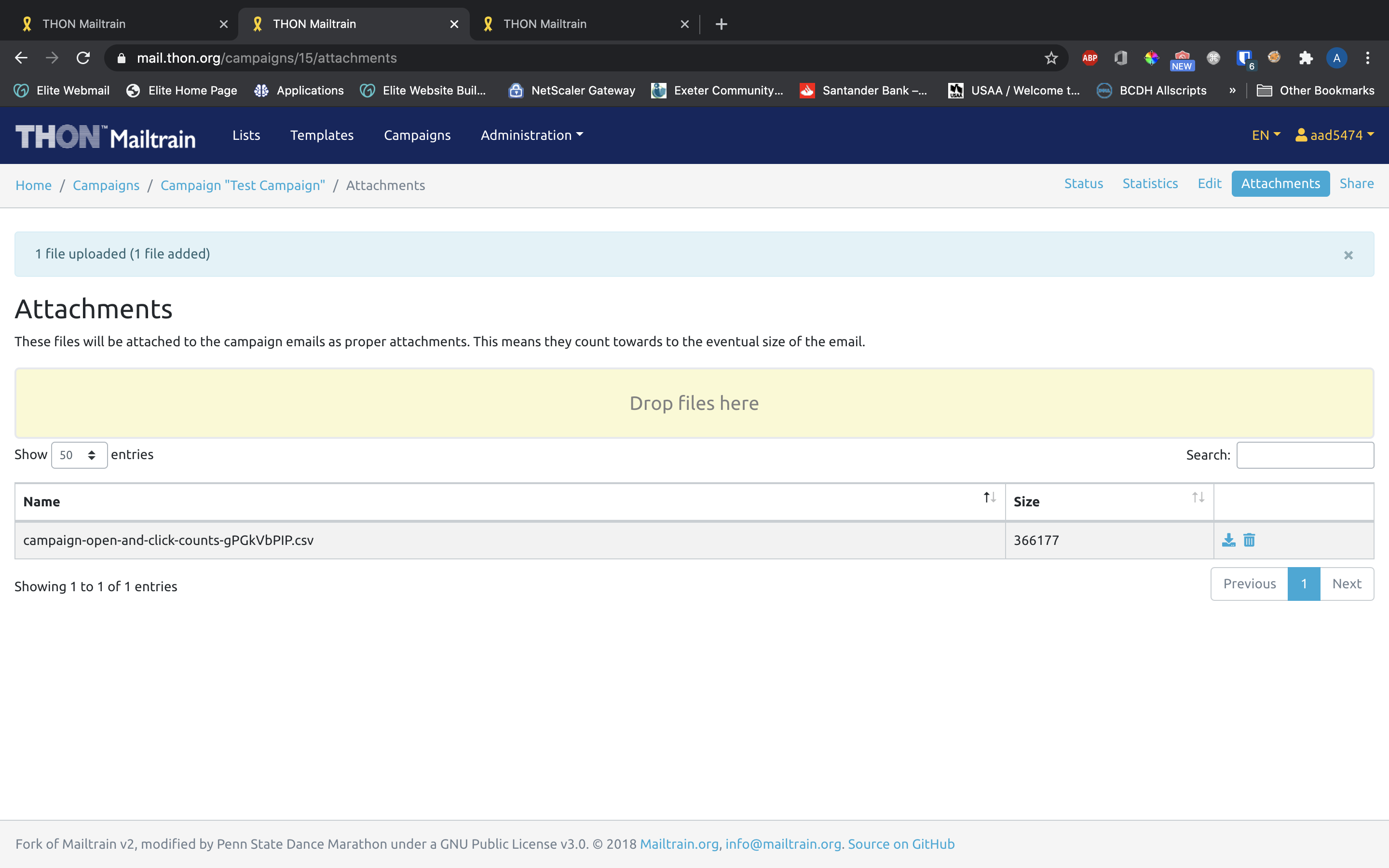
Adding Attachments
Once a campaign is created, you are able to add file attachments to be sent with the email.
Consult with TECH before adding attachments!
Attachments count toward the overall size of the email message and thus can significantly affect how much we pay to have them delivered for large campaigns. If possible, include a SharePoint link to the resource in question in the template itself to save money. If you still would like to attach files to your campaign, reach out to technology@thon.org for approval!
Accessing the Attachments Page
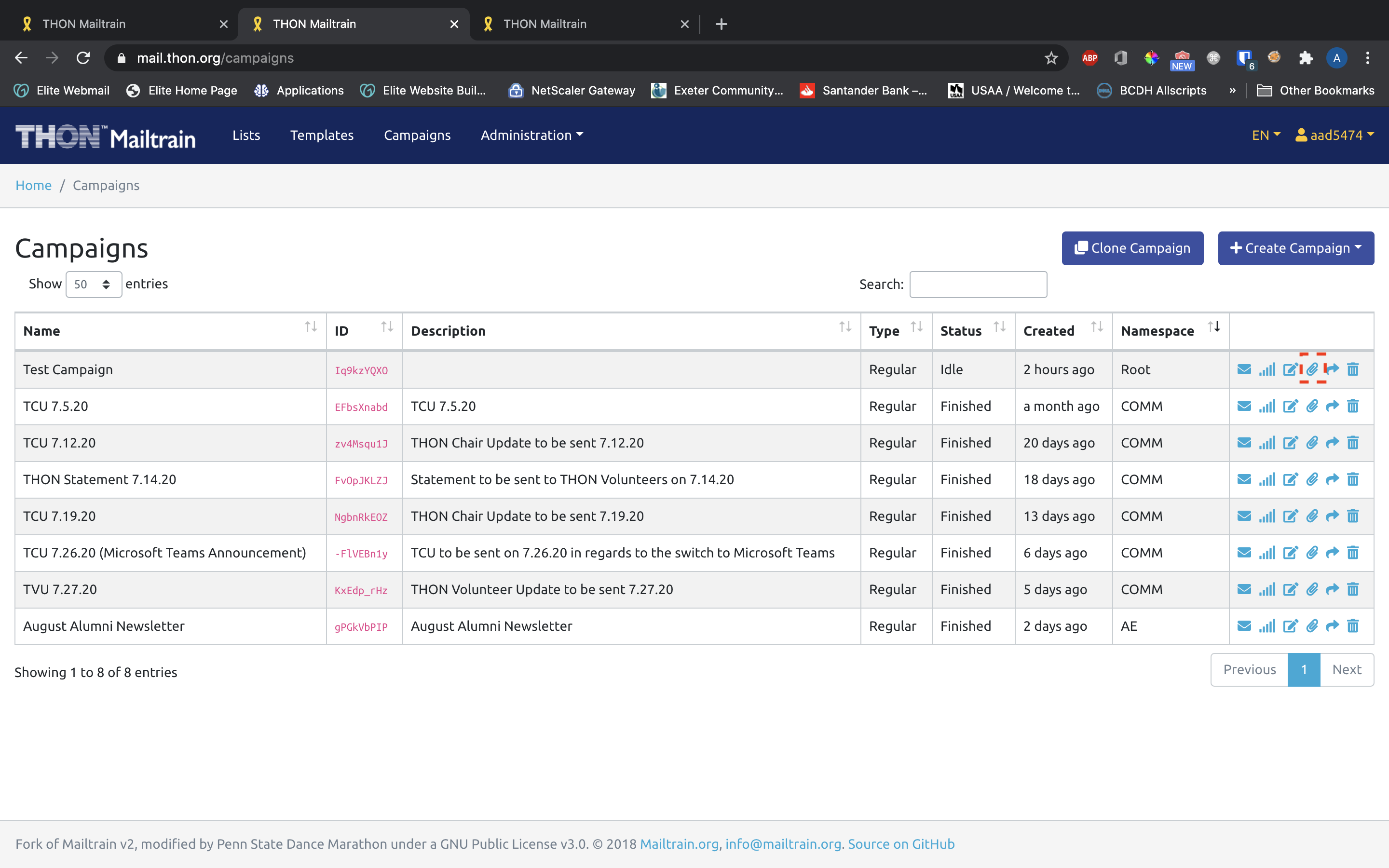
To get to the attachments page of the campaign, click the paperclip icon on the desired campaign on the Campaigns tab:
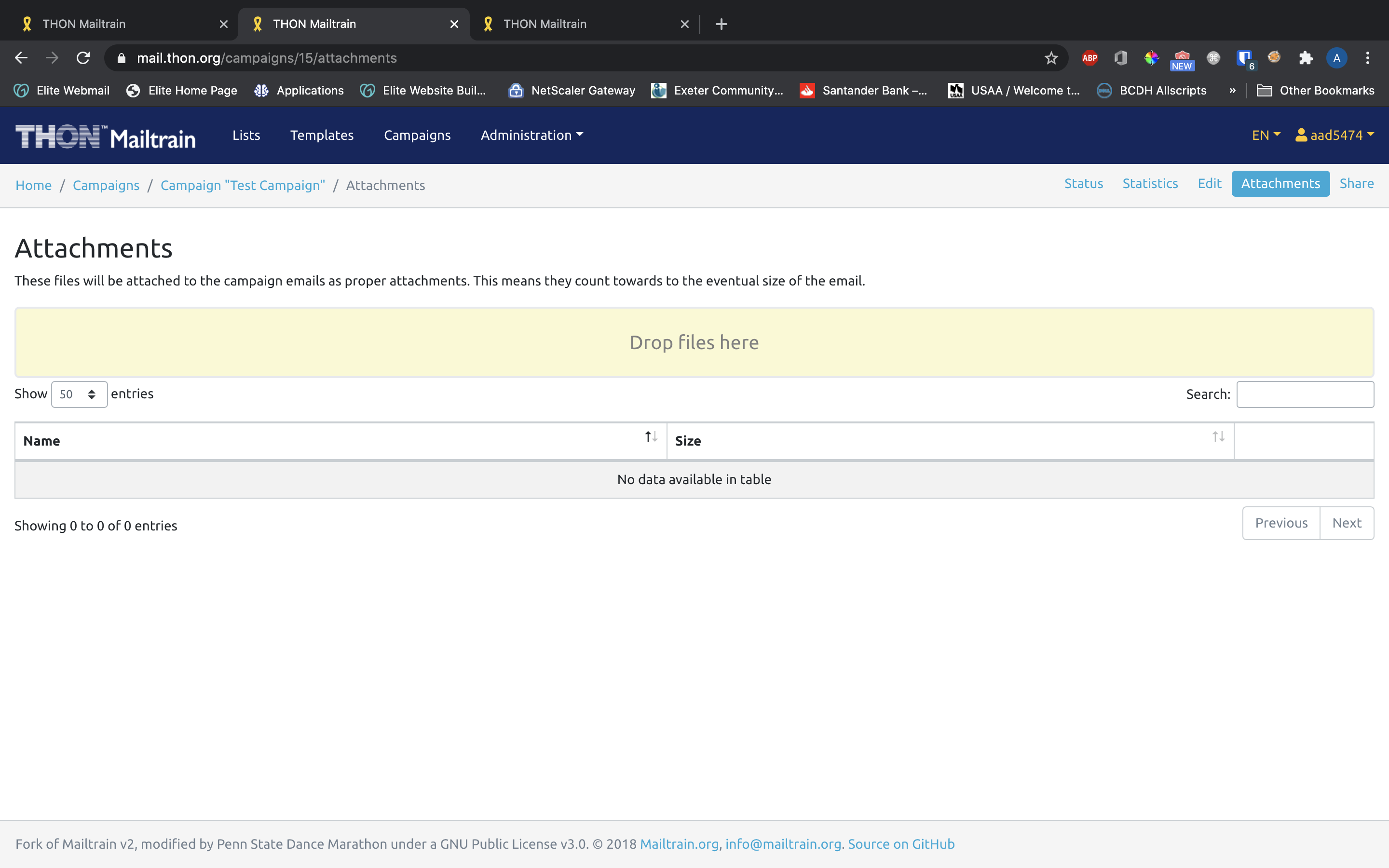
Adding Attachments
Drag and drop files into the "Drop files here" field to add files to be sent with the email message.